 Story Circle
What is Story Circle?
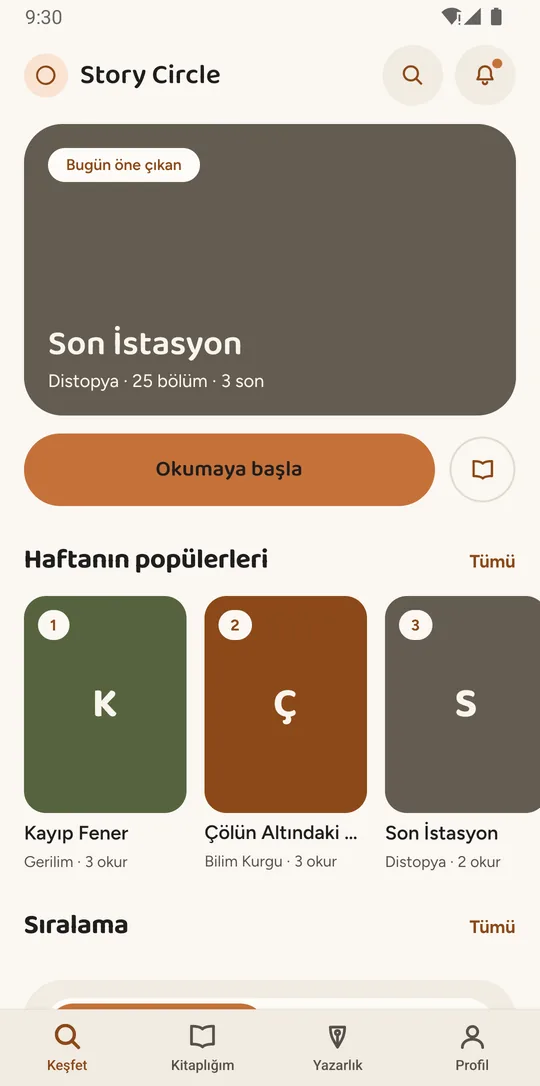
An app where a book is written by authors who have never met, and not in any fixed order. Whoever opens the book writes the first chapter, defines the characters and sets the rules; after that, whoever starts first decides who moves the story forward.
There is no voting, no assignment and no moderator approval step. An author who wants to write an open chapter locks it, writes it within the time the lock allows, and submits it. The chapter goes live the moment it passes automatic content review, and becomes a permanent part of the book.
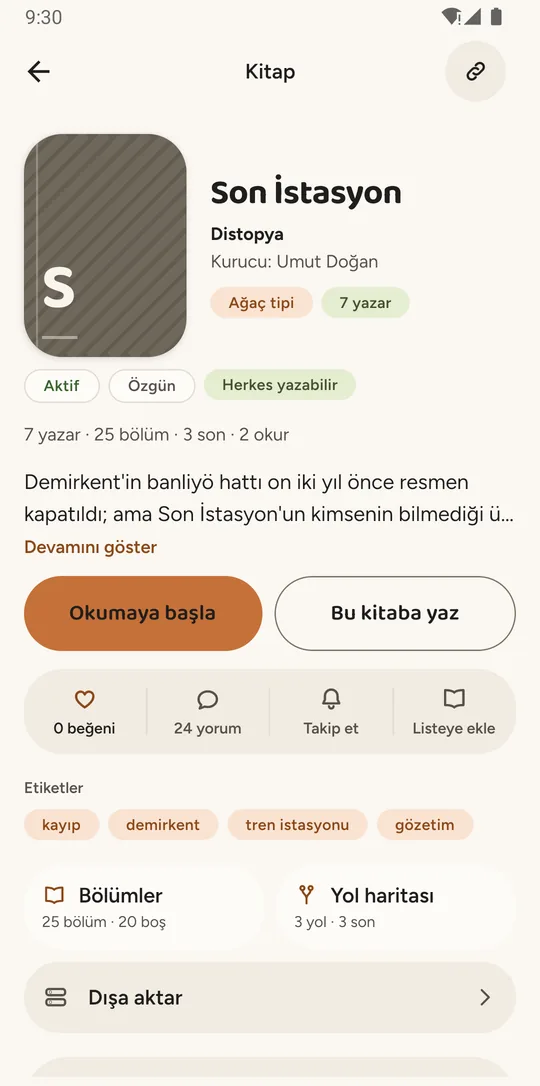
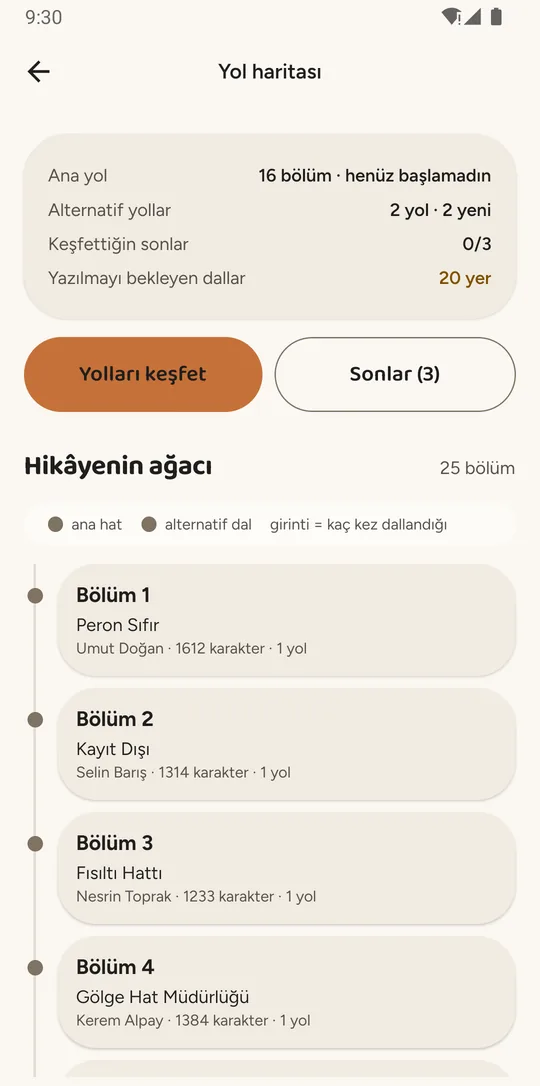
In branching books, several continuations can be written under the same chapter. The reader chooses which way to go — one book can have more than one ending.
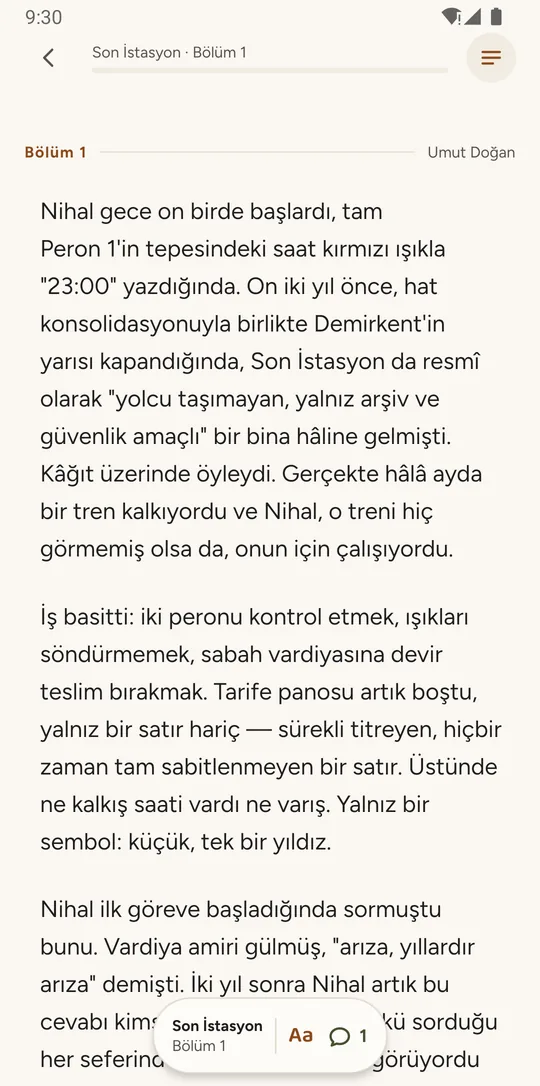
A chapter is never reserved for anyone and never handed from one author to another: whoever locks an open chapter first is the person who writes it.
How it works
Turning an open slot into a published chapter takes six steps. The loop repeats until the book reaches the chapter count it is aiming for.
Each step in depth, including what happens when it goes wrong
Start
Whoever opens the book writes the first chapter, defines the characters and sets the rules the story has to follow. If the book branches, they also decide how many alternative continuations a single chapter can carry.
Lock
To write an open chapter you lock it. The lock lasts a fixed number of hours, and for that time the chapter is yours alone. If it expires the chapter opens to everyone again — and whatever you wrote stays with you as a draft.
Write
While the lock is yours you write the chapter. Your draft is saved as you go, so you can close the app and pick it up later.
Submit
When you are ready you submit. Submitting releases the lock and sends the chapter to review.
Automatic review
Every submitted chapter is checked against the platform content policy before it goes live. No chapter is ever published without passing that check.
Publish
If the review passes, the chapter publishes on its own and becomes part of the book. It waits for nobody’s approval. In a branching book, continuations can now be written under it too.
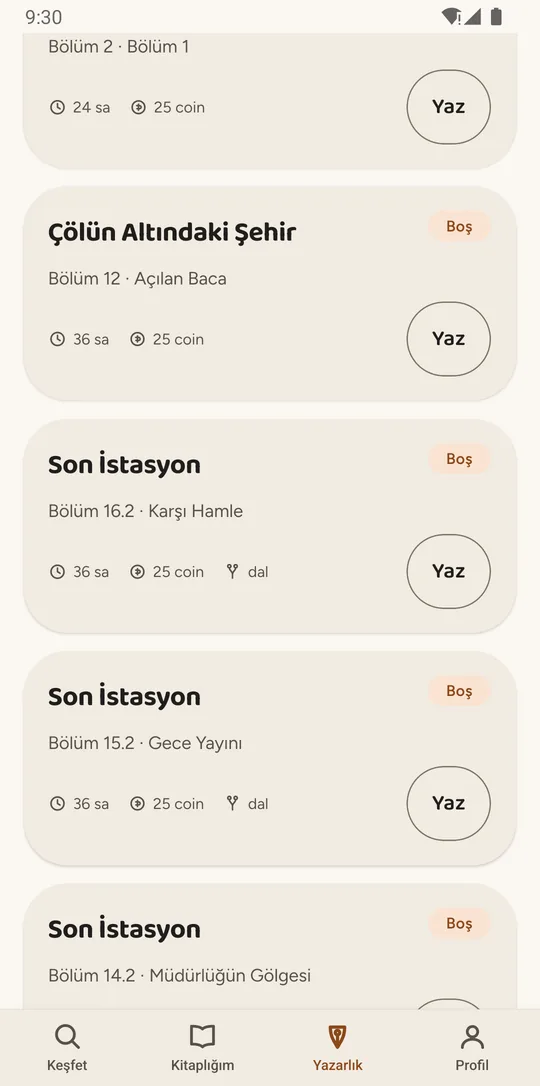
Writing is not a queue. A chapter is not reserved for anyone and is never passed from one author to another.
The first person to start writing an open chapter locks it. The lock is good for a set number of hours; if it runs out, the chapter opens to everyone again and whatever you had written stays with you as a draft. Instead of waiting, you can move to a different open chapter.
As a reader, as a writer
As a reader
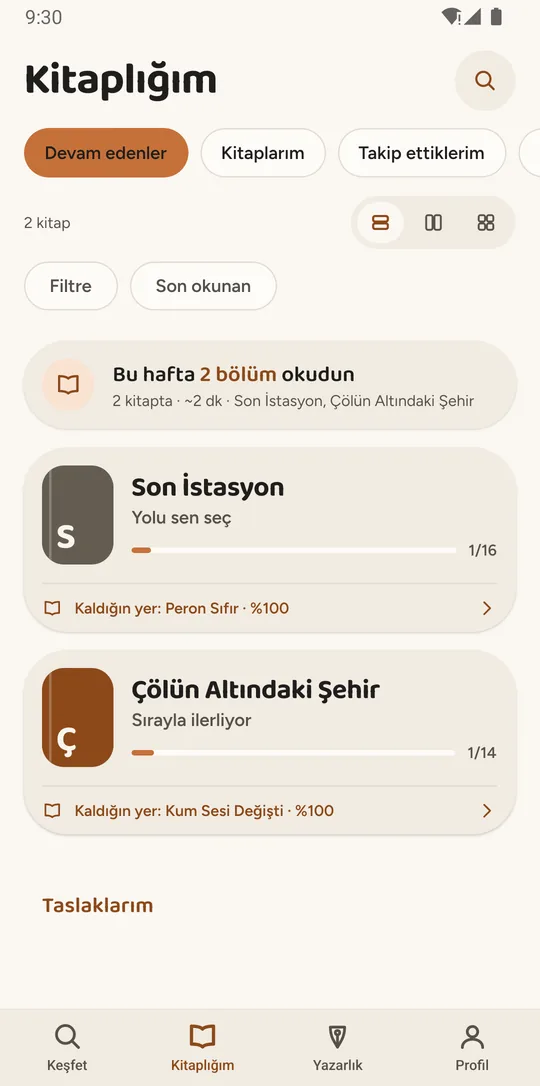
You can use the app without writing a single line. You browse books that are being written right now and pick up where you left off.
- Reading lists and the books you follow
- Comments and likes
- Notes and saved quotes
- Choosing your own path in branching books
As a writer
You can open your own book, or join someone else’s and write one chapter of it. The copyright in the chapter you write stays yours.
- Locking an open chapter and writing it
- Drafts saved automatically as you write
- Proposing a revision to a published chapter
- Managing participation and characters in your own book
No chapter is published without passing review
- Submit
- Automatic review
- Publish
- If flagged: fix it, resubmit, or appeal
Every submitted chapter is checked against the platform content policy before it goes live. If a chapter is flagged, you can correct it and submit again, or appeal for human review.
The app has tools for reporting chapters, comments, books and users, and for blocking a user. Reports are reviewed by platform moderators. The details are in section 3 of the Terms of Use.
The words the app uses
- Chapter
- One node of a book. A single author writes it; once published, other authors attach their continuations underneath it.
- Lock
- The right to write an open chapter. Whoever starts first takes the lock, and until it expires or they submit, that chapter is theirs alone. There is no queue and no turn order.
- Branch
- An alternative continuation written under the same chapter. In branching books the reader chooses which way to go, and one book can have several different endings.
- Revision
- A change proposed to an already published chapter. Besides the automatic content review, it is also checked against whether it breaks the chapters that follow — and the book owner makes the final call.
- Coin
- An in-app unit only. It is spent on creating a book, raising a book’s chapter target and exporting a book as a file; it is earned by publishing chapters, signing in daily and reading. It has no real-money value, cannot be bought, cannot be transferred and is not refundable.
Asked most often
Do I have to wait for my turn to write a chapter?
No. Story Circle has no queue and no turn order. Whoever starts writing an open chapter first locks it, and it stays theirs for the length of the lock. If the lock expires, the chapter opens to everyone again.
Why was my chapter not published immediately?
Every submitted chapter goes through automatic content review before publishing. It is usually quick. If your text is flagged you will see the reason in the app, and you can either fix it and resubmit or appeal for human review.
Who owns the rights to the chapter I write?
You do. You grant Story Circle only a non-exclusive licence to publish, list and promote it on the platform.
I saw inappropriate content — what should I do?
You can report the chapter, comment, book or user from inside the app. Reports are reviewed by platform moderators. You can also block the user if you prefer.